
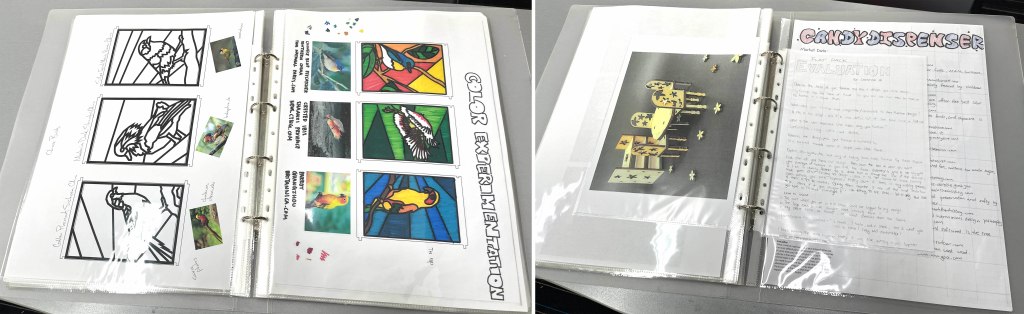
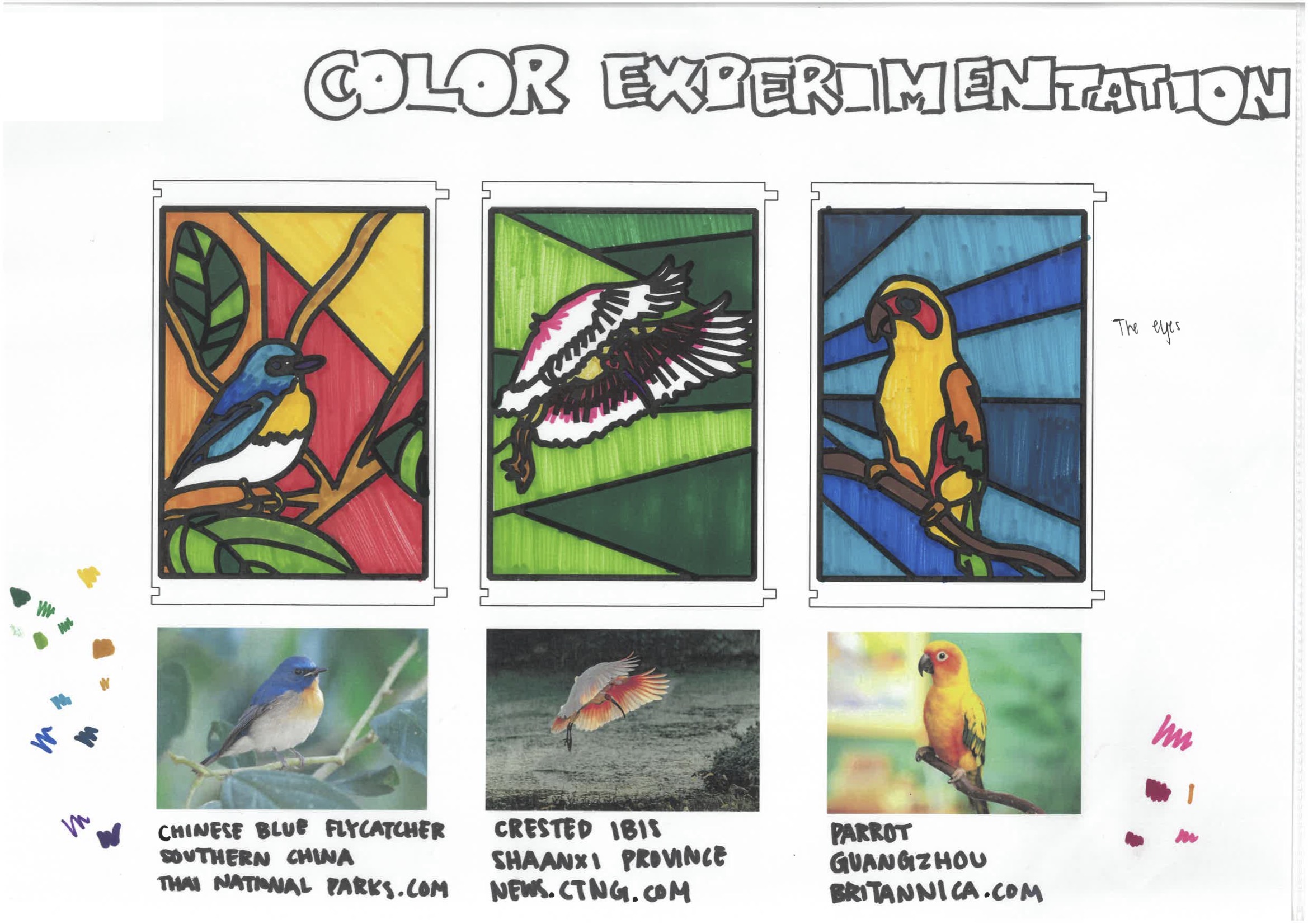
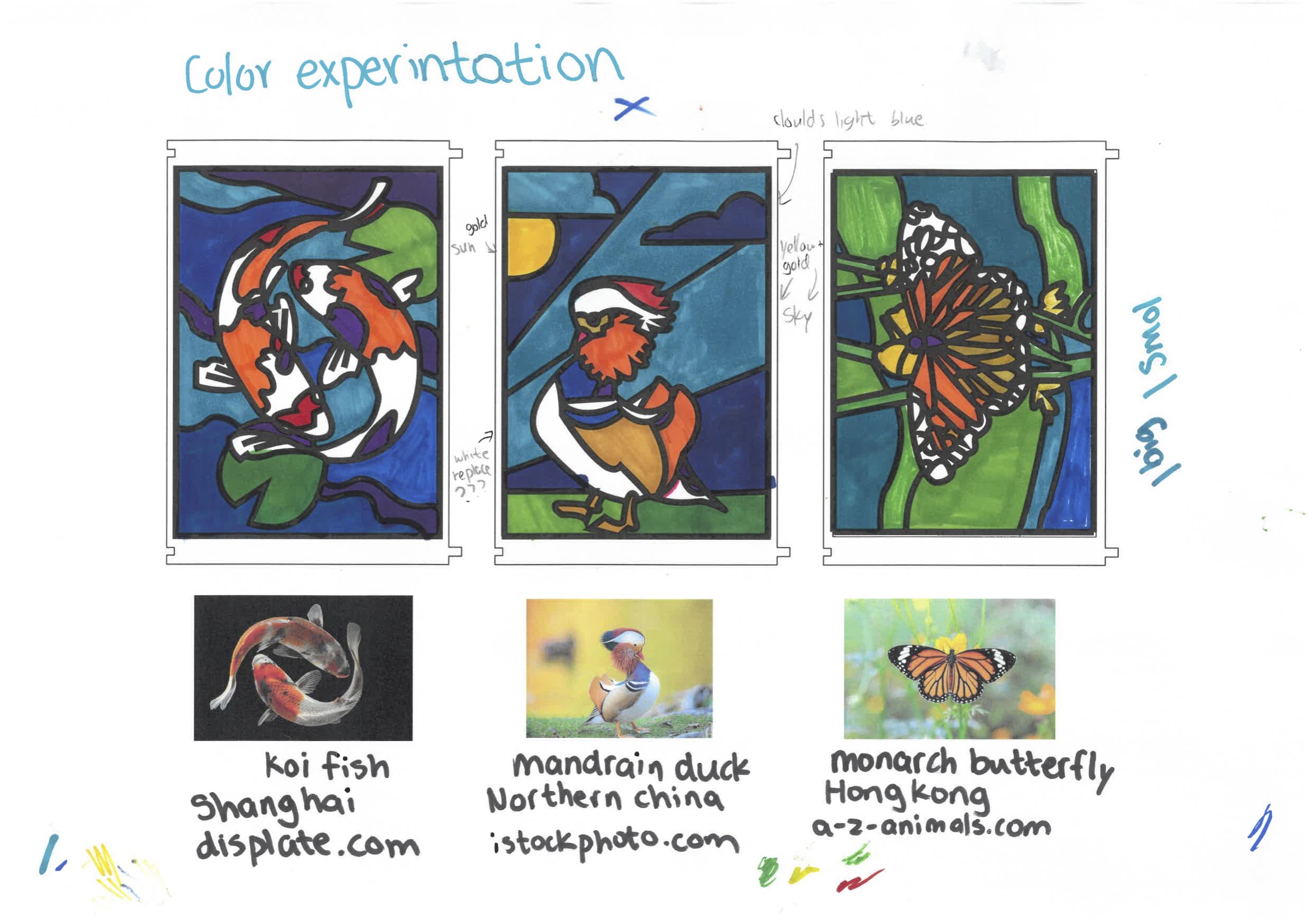
Below are pdfs of design and art journals from years 7-9.
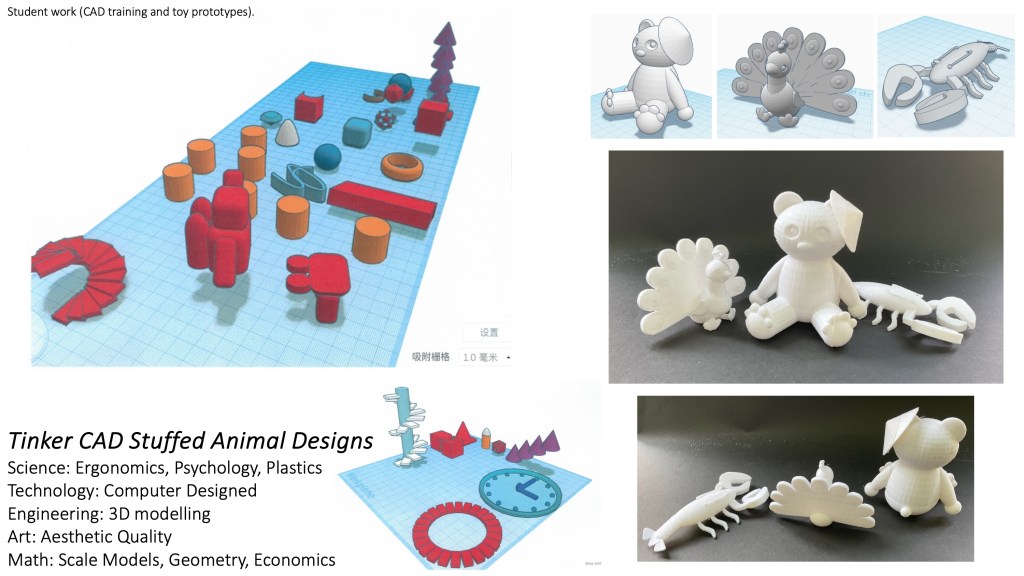
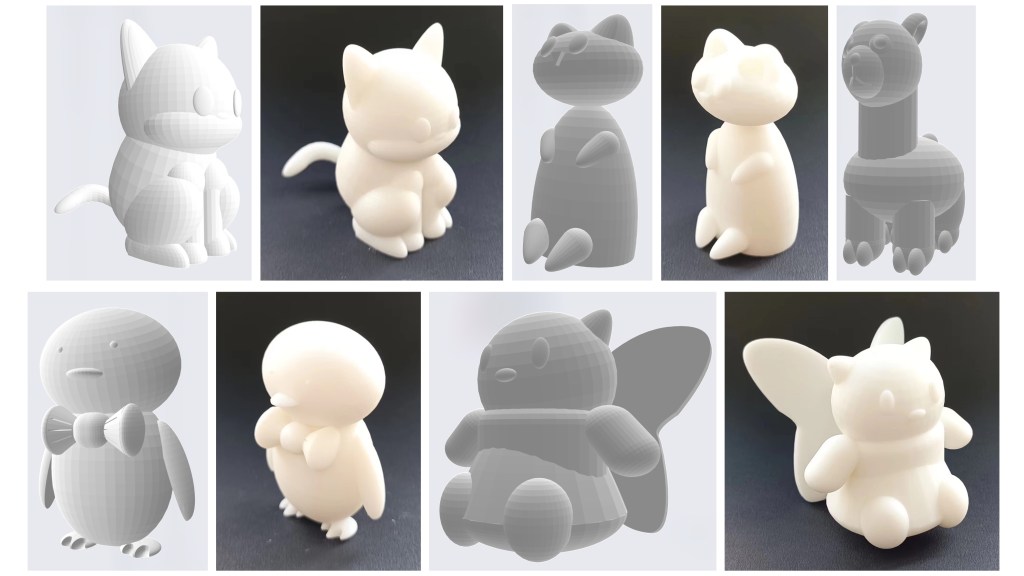
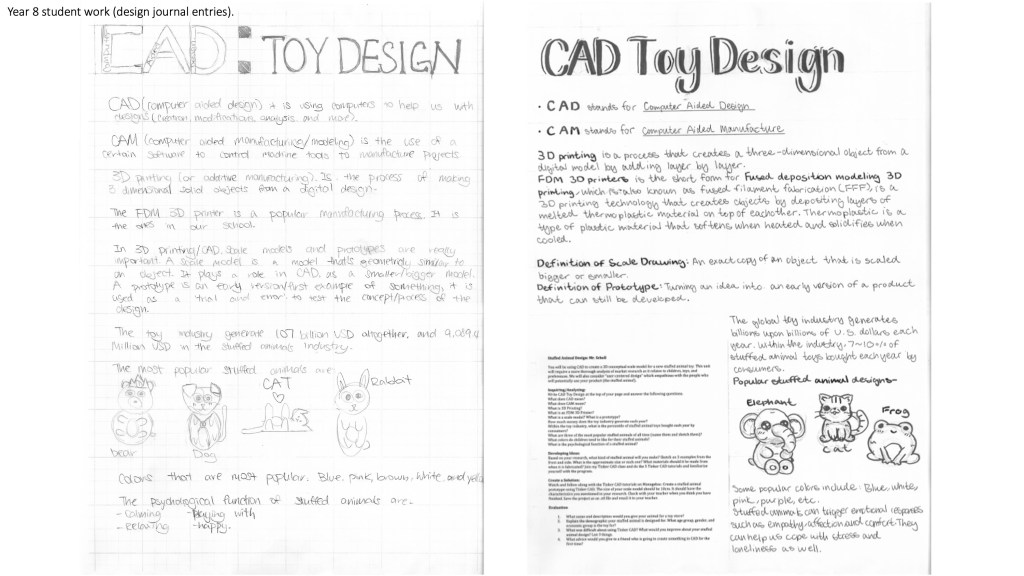
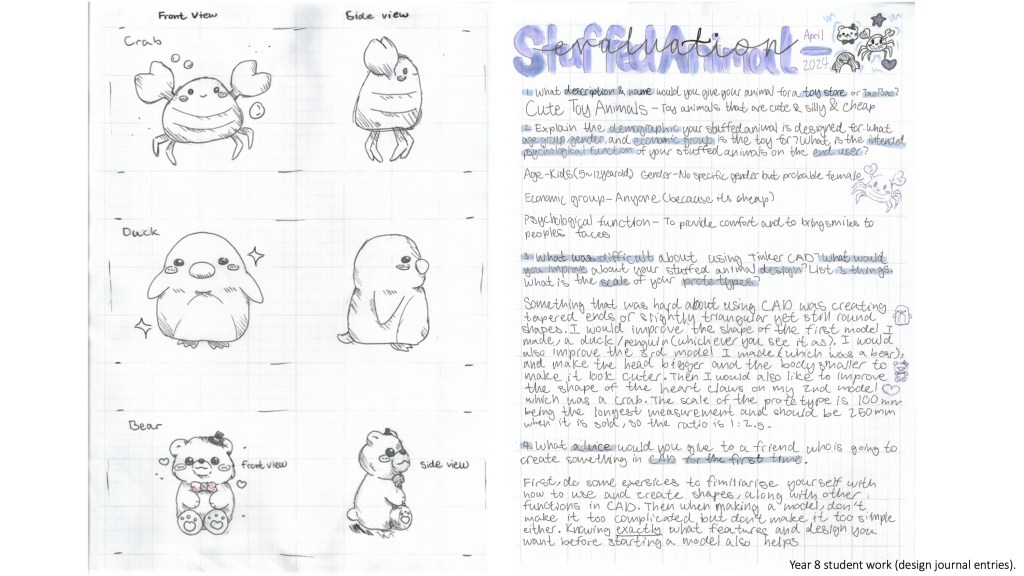
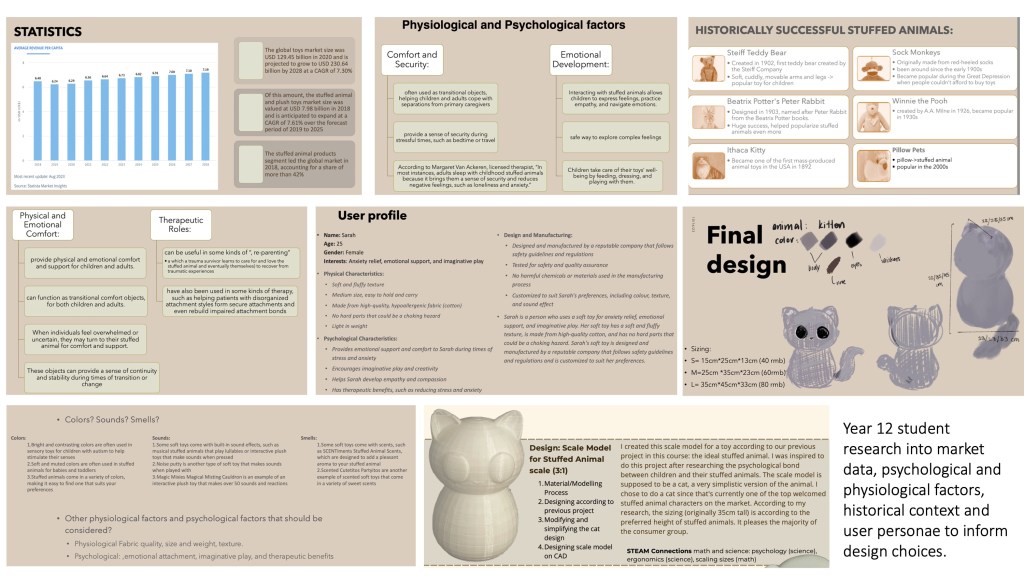
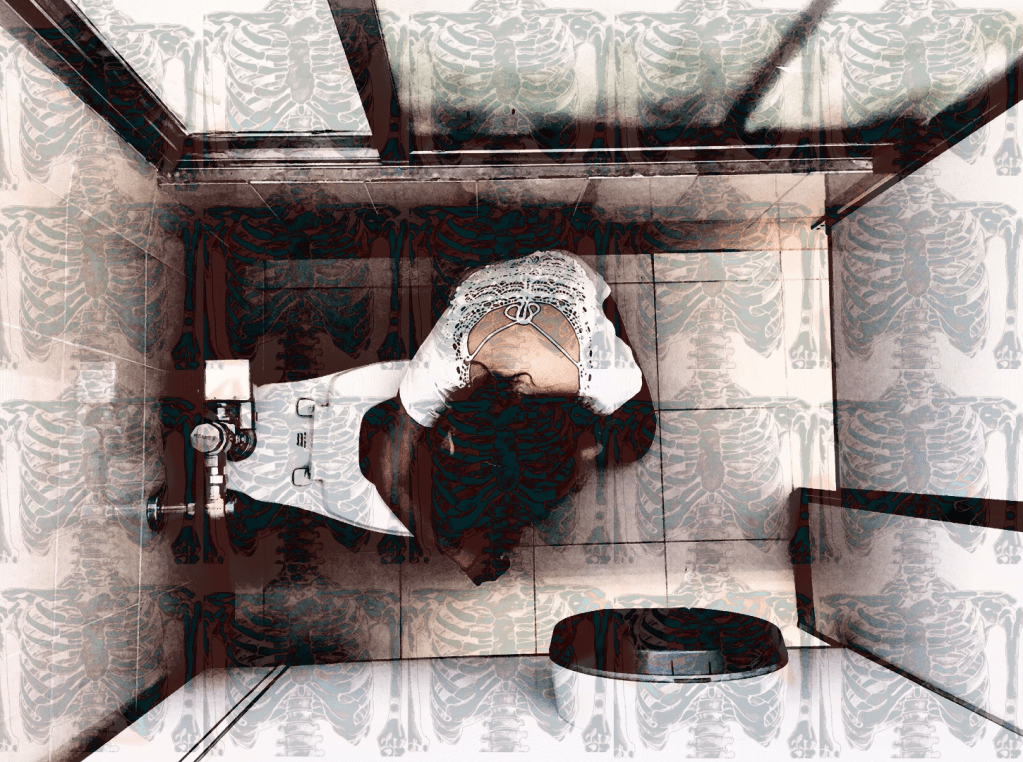
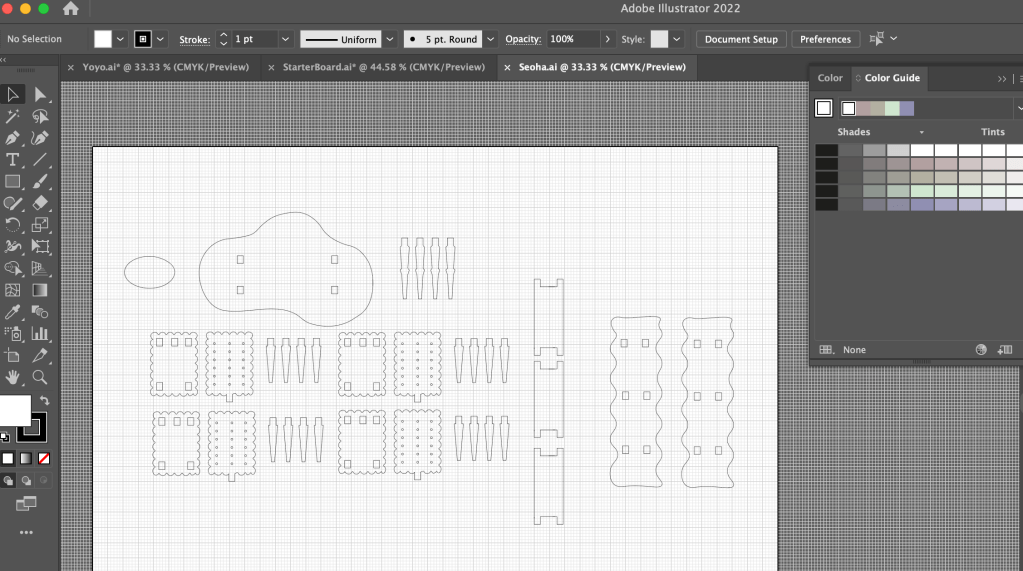
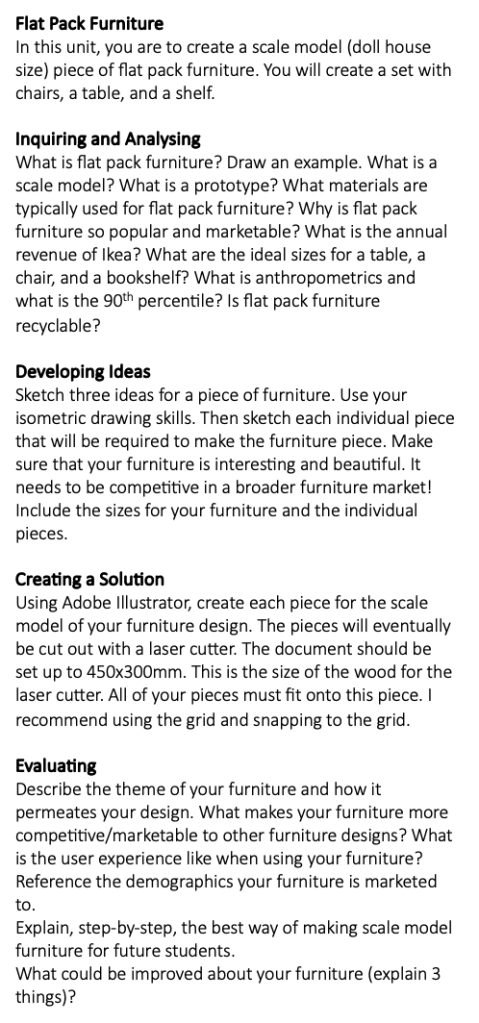
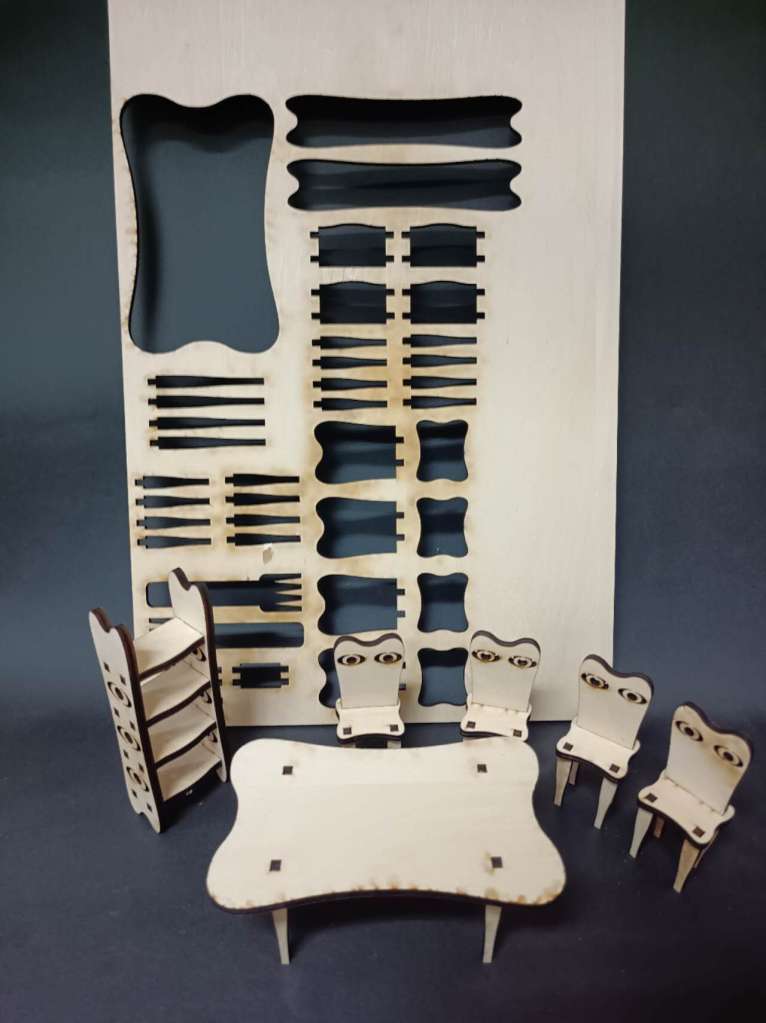
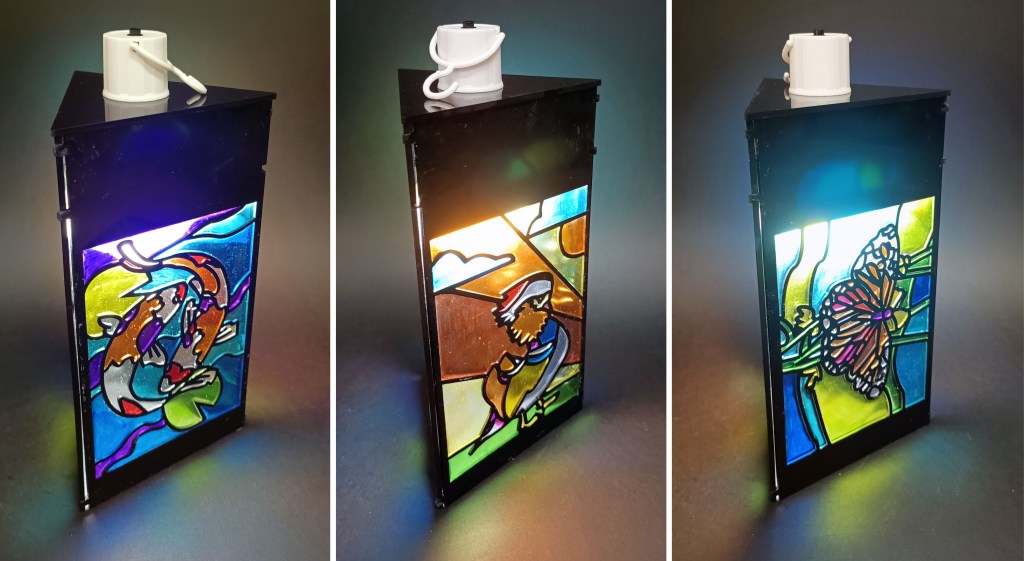
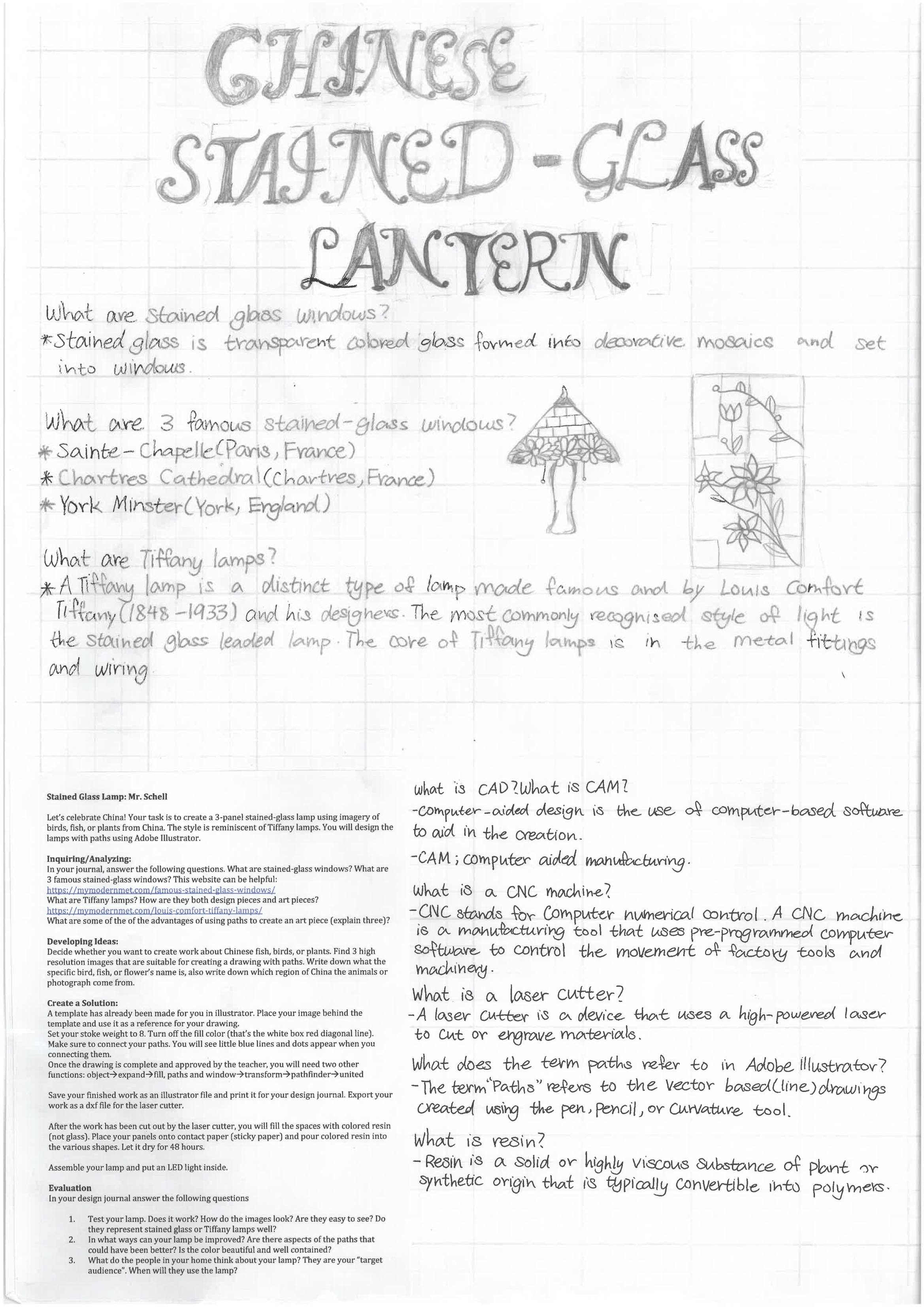
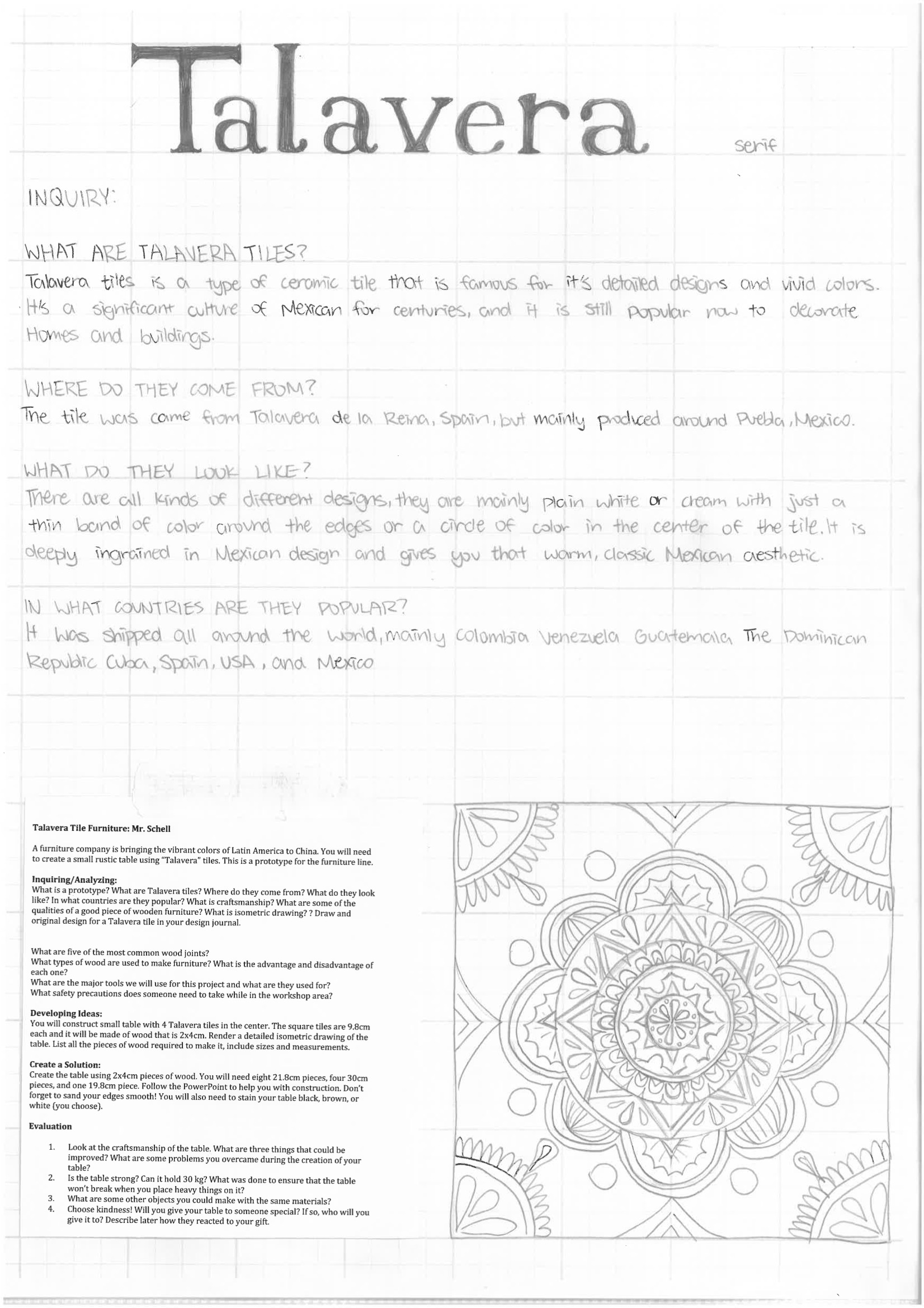
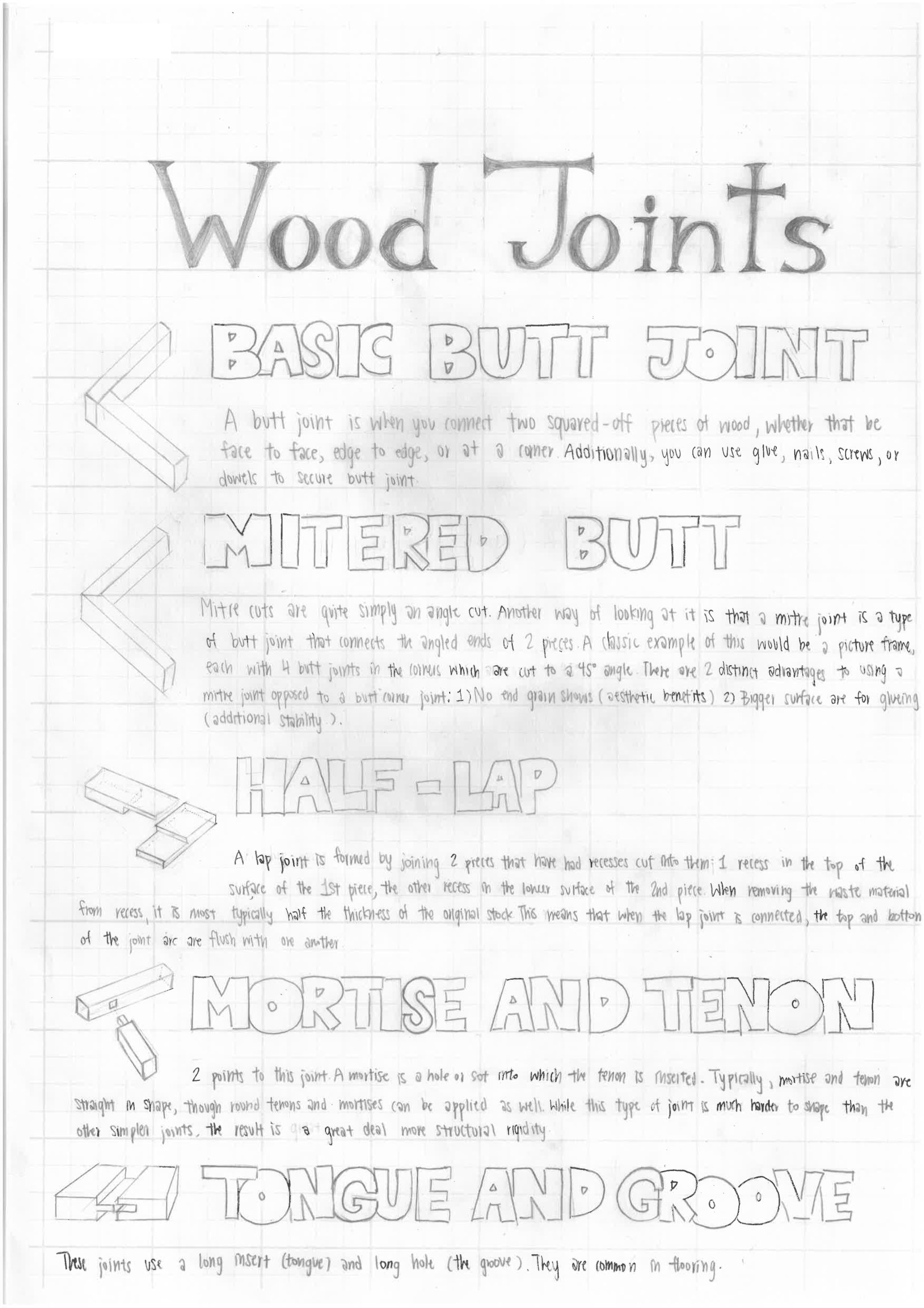
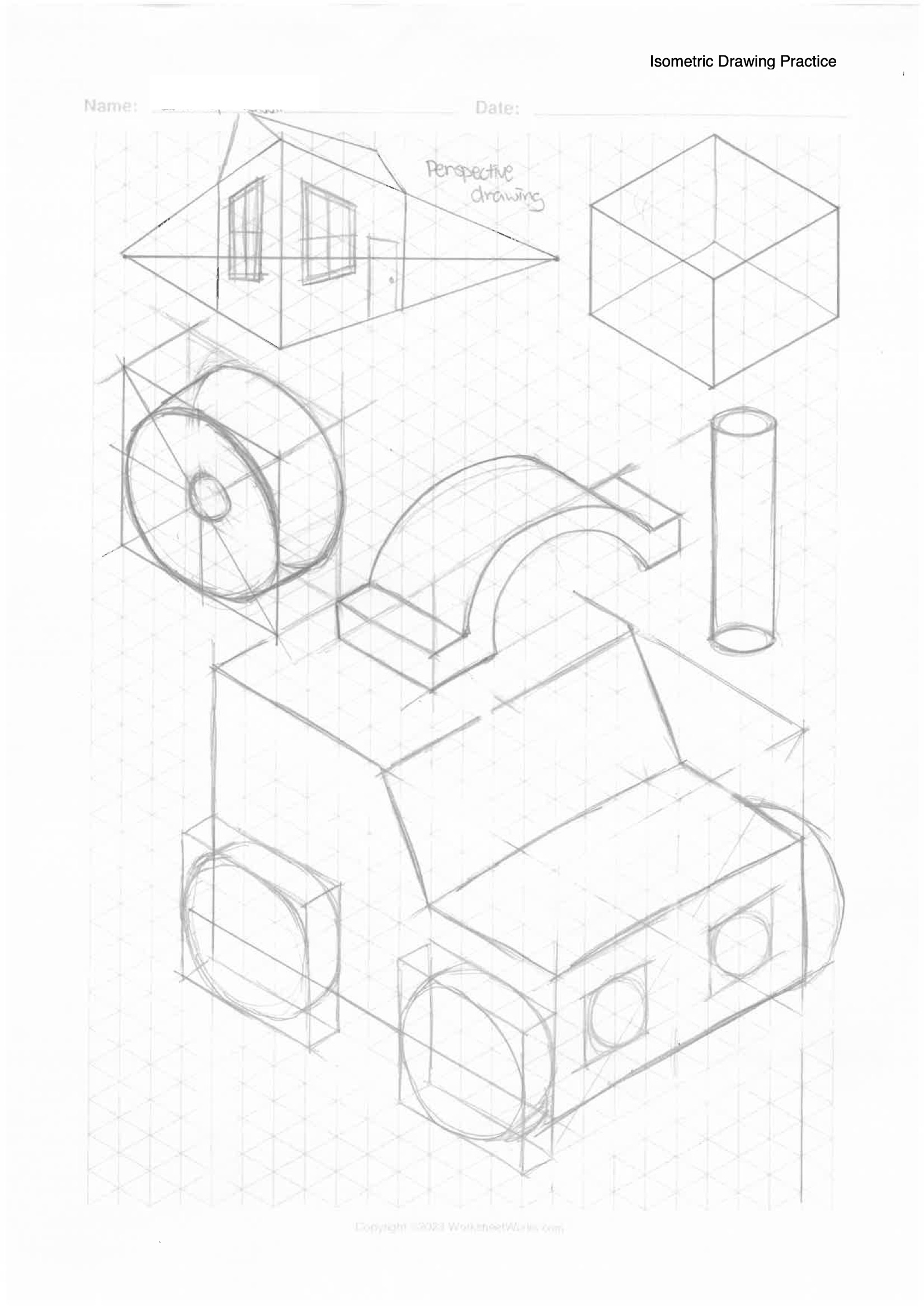
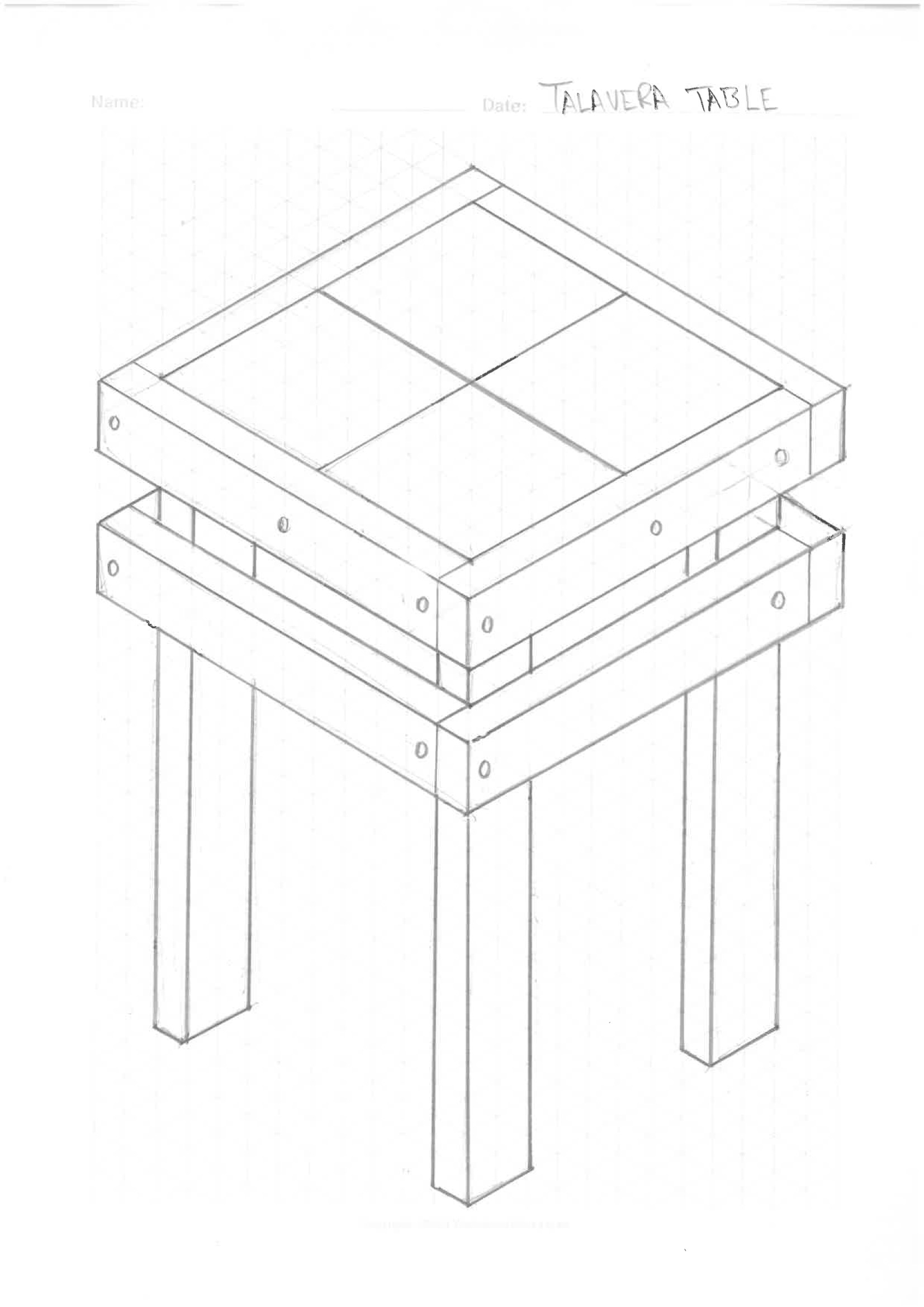
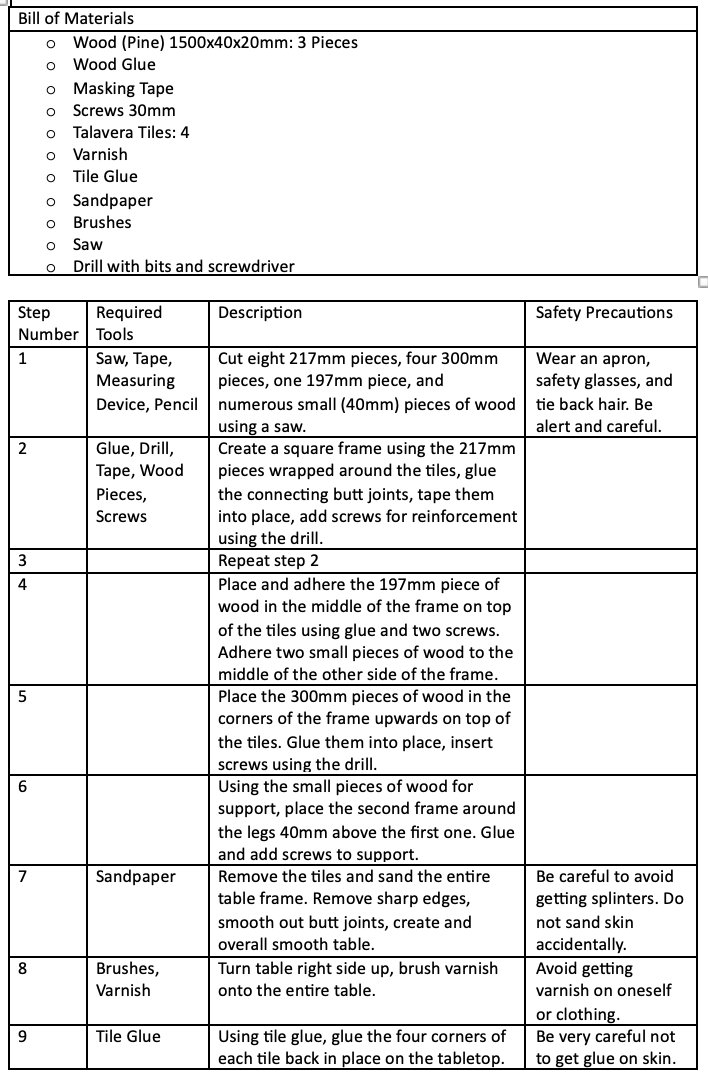
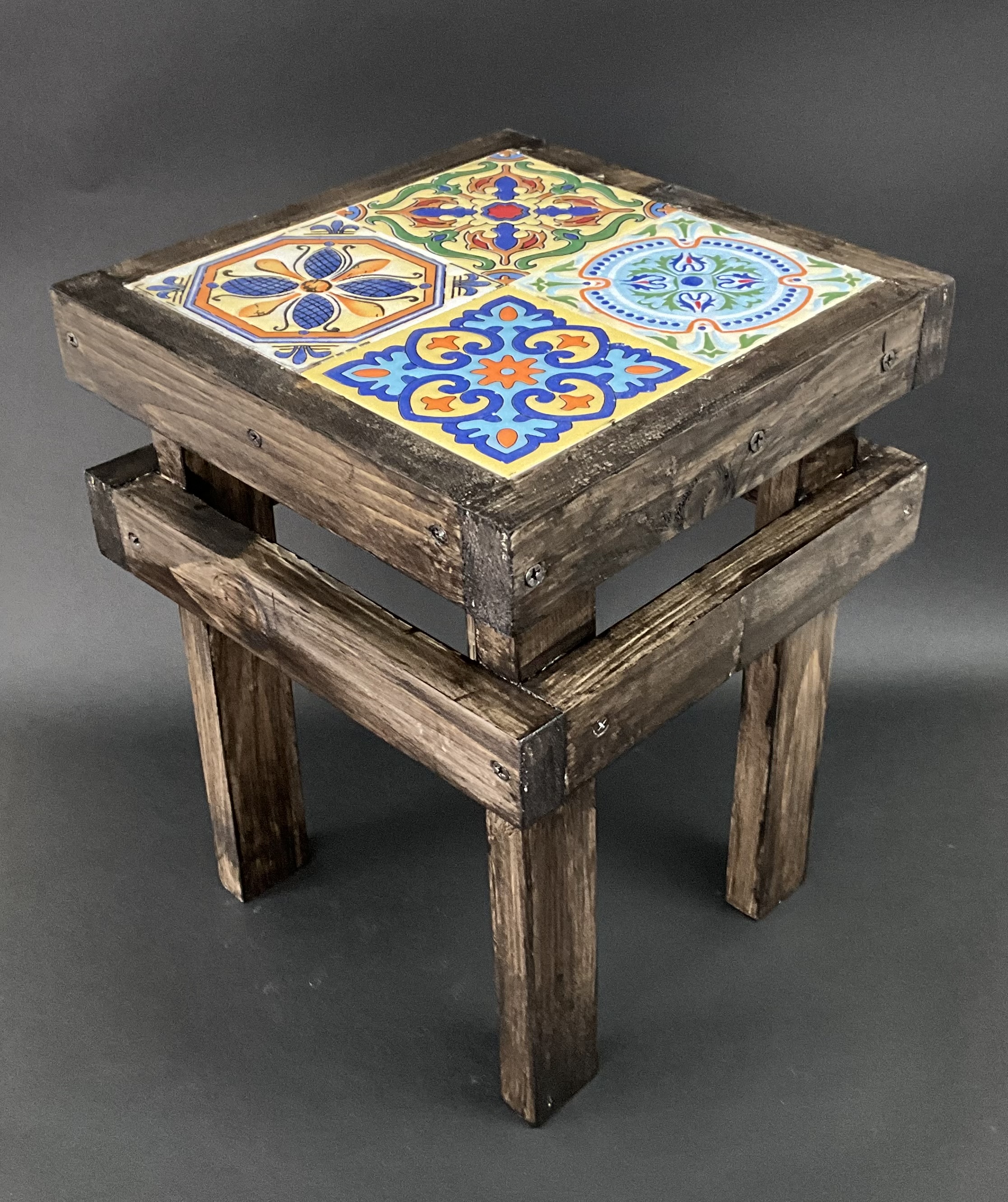
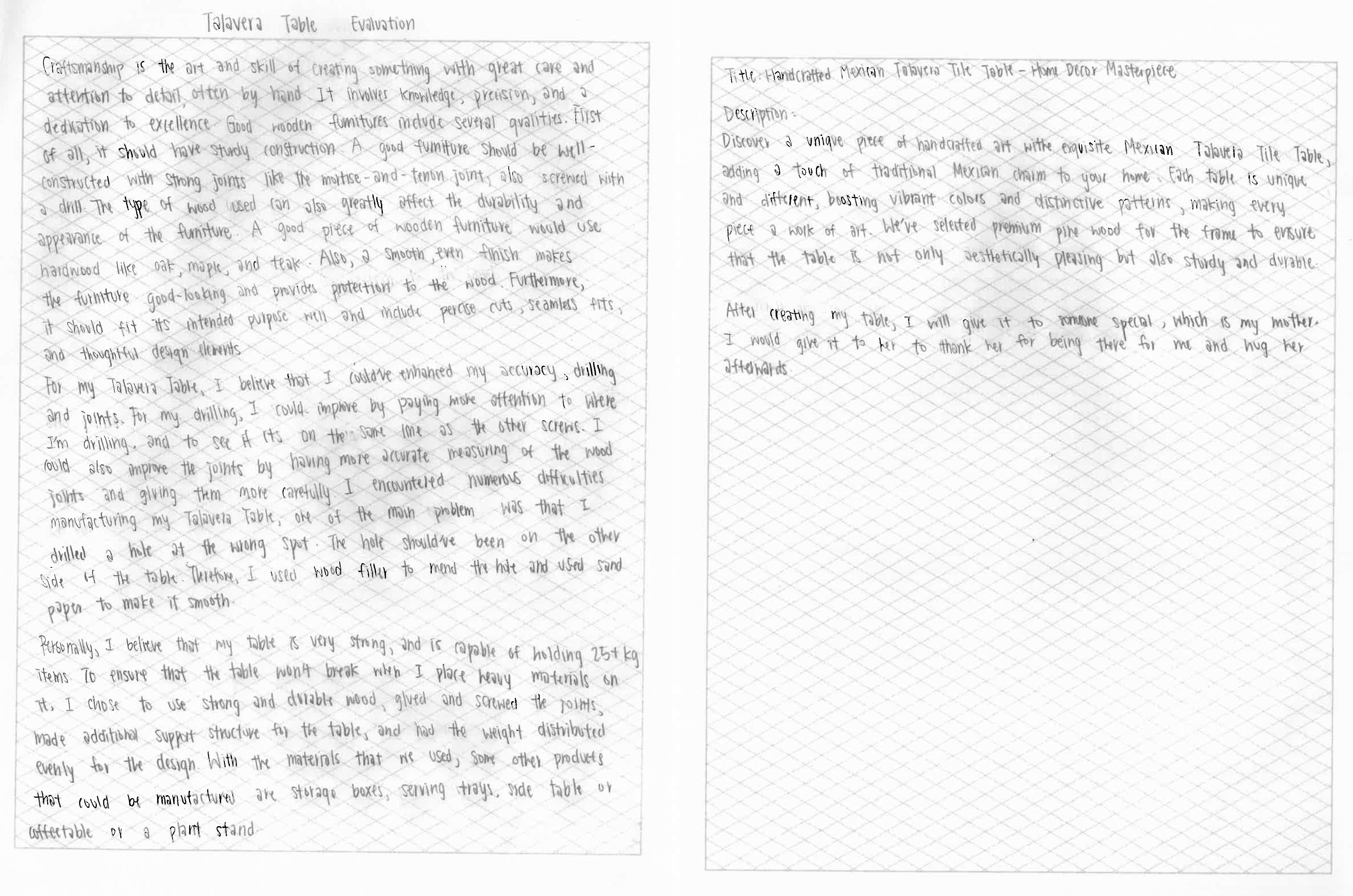
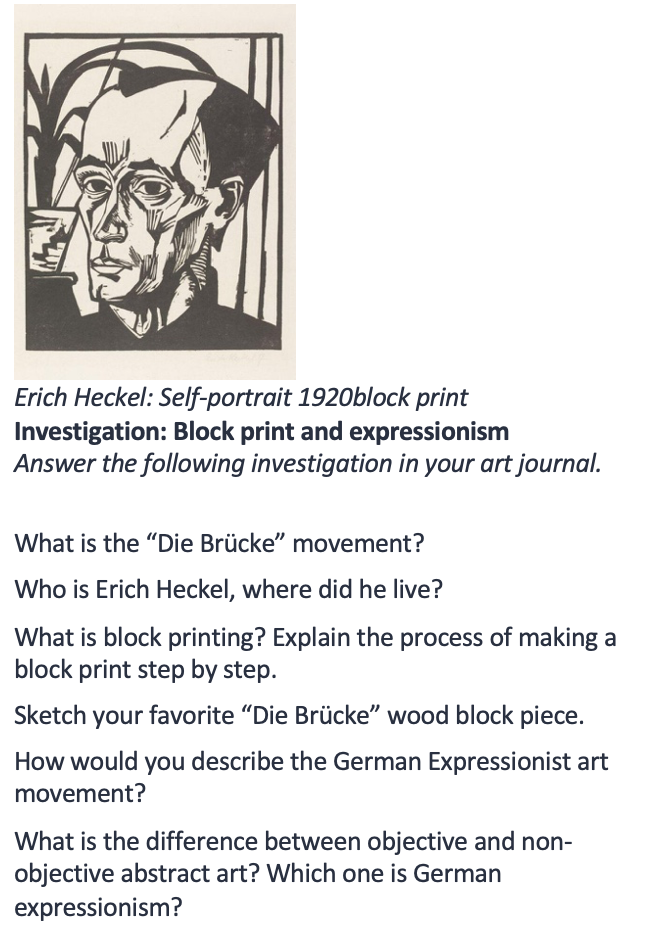
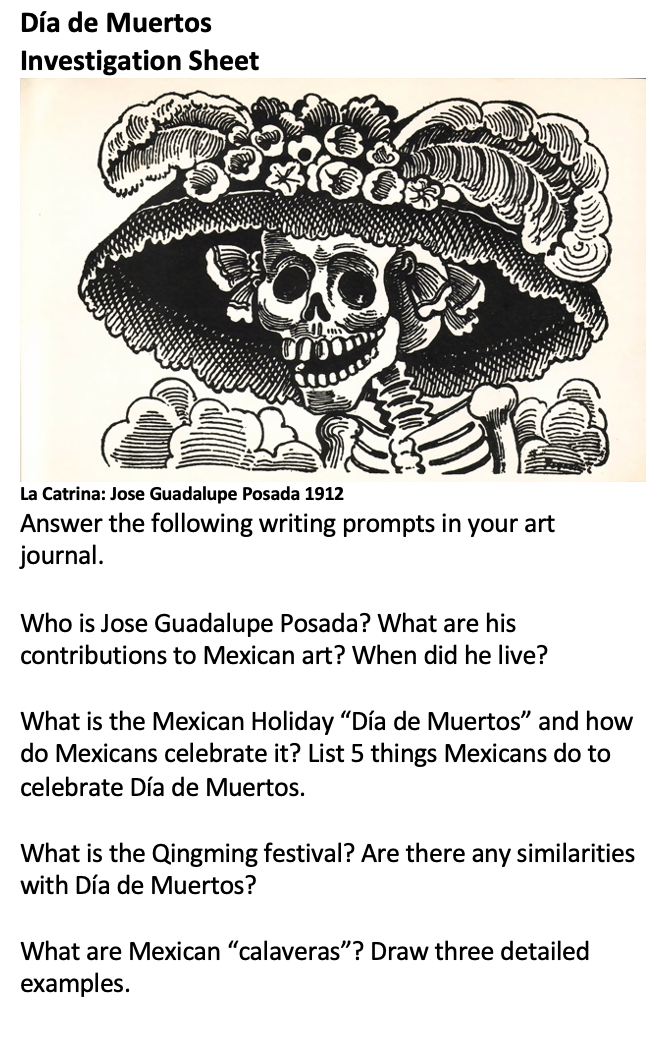
I’ve been working with journals for a number of years. They replaced sketchbooks in an art class, and obviously I’m doing design journals in my current design classes. I’ve really fallen in love with them as an educational tool and want to write about all the benefits I see in using journals. My journals are simple A3 (double letter) size binders with plastic sleeves (so they can take both A3 and A4 [letter size] pages. Here is what they look like. The picture below shows a pages from a children’s cereal box design, and the end of a CAD unit.

Six benefits I see in using journals:
Waste and organization: The initial move was made one day when I was tossing a bunch of half complete sketchbooks in the bin. At my school, every year students started with a new sketchbook and never quite got it done. I don’t have a romantic connection to sketchbooks, so I wondered if binders would be better. Plus, they offer the chance of moving pages around, so they were more flexible if I student missed class or was unorganized. So the following year I switched to binders and have never looked back. To me, the benefits far outweigh any justification to using sketchbooks. I think in most cases, there are art teachers who have an emotional connection to sketchbook.
Sequencing lessons (MYP creative/design cycles): Journals also became a great way to make sure that I was sequencing my lessons correctly. I try to follow the MYP cycle, so units start with an inquiry/analysis or investigation, go through a developing ideas and skills phase, the result in a project, and finish with an evaluation or reflection. The second stage, where students are doing a lot of planning, practice, and skill building can get messy. Keeping work sequenced and presentable in a journal helped to showcase the learning better.
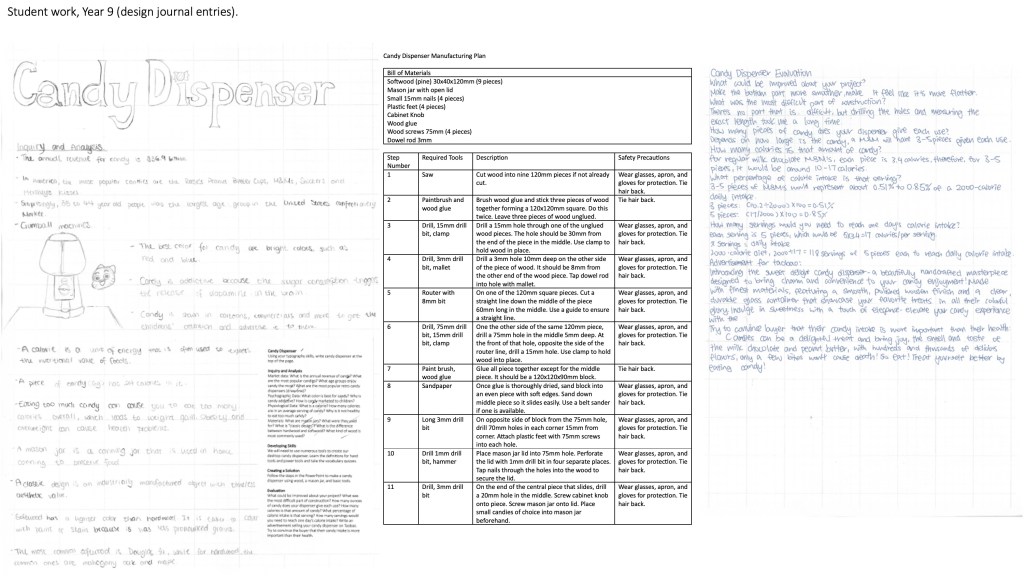
The benefits of handwriting: I have almost all tasks in my journals completed with handwriting. As technology pushes education forward, I think it’s really important to remind ourselves of all the benefits of handwriting, such as: improved memory retention and active engagement, enhanced comprehension that includes deeper processing and critical thinking, development of fine motor skills, improved focus, better thought organization, individual expression and artistic development, and even emotional benefits like stress relief and a sense of accomplishment. There are plenty of projects I give that use technology, but we’re still going to do the ground work with our hands in my classes!
Grading is easier: the journals not only made grading easier, but they also helped with consistency. I mentioned the MYP cycles. I build rubrics with the general terms of each area and score all of the projects the same way. Students know what to expect and appreciate the consistency. You’ll notice the the rubric as at the front of the journals for reference.
Improved student agency: student agency is a buzz word in education. I found the learning journals offered numerous benefits to students gaining more agency. They included: better defining learning objectives and planning, tracking progress and reflective practices, and a general ownership of learning. (Student agency is the ability of students to take initiative and make choices regarding their own learning, empowering them to set goals, manage their educational experiences, and assume responsibility for their outcomes)
Documenting and tracking student progress: I use journals for years 7, 8, and 9 at my school. First, they’re great for parent meetings. You sit down with the student and their parents and can have a real look at progress over time. I also keep a master journal of student work so there’s a benchmark for what top performing work looks like if the rubrics are not clear. They make really great show pieces of what students are capable of.
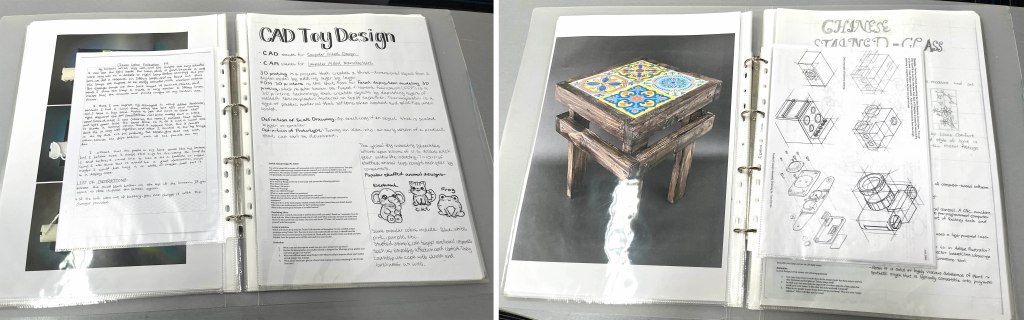
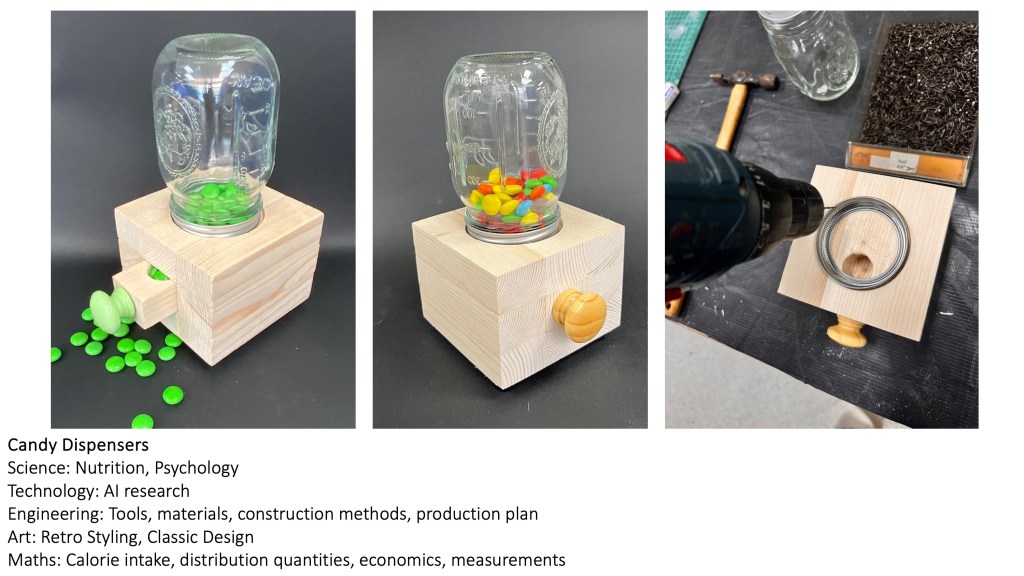
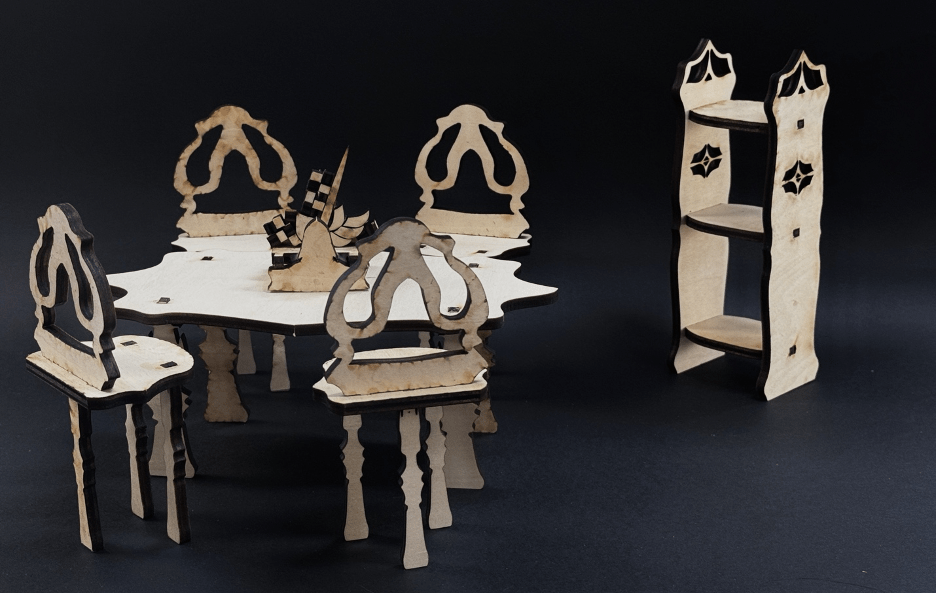
There are some drawbacks, however. First, everything has to be A4 or A3 in size. Second, I end up photographing a lot of 3D work and printing it to track things in the journals. It’s fine, but perhaps goes against what I said about waste at the beginning. Last, they’re made of plastic, not paper and cardboard, so there’s the biodegradability aspect. But on the other hand, they preserve the work better too and be reused if students don’t take them.













 Draw, Paint, Think