
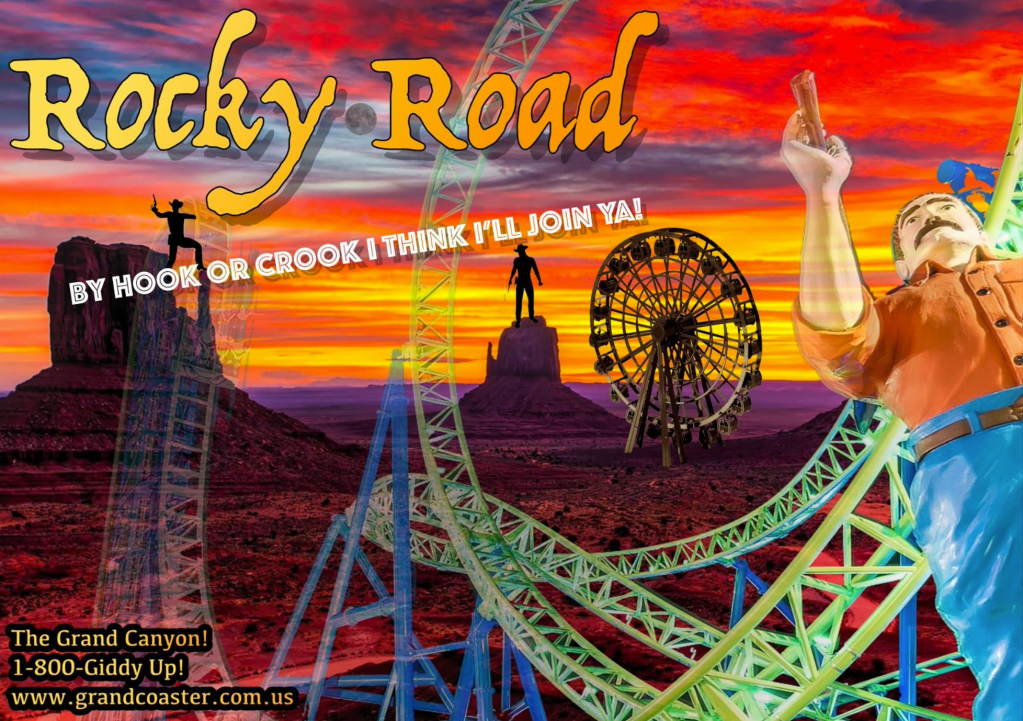
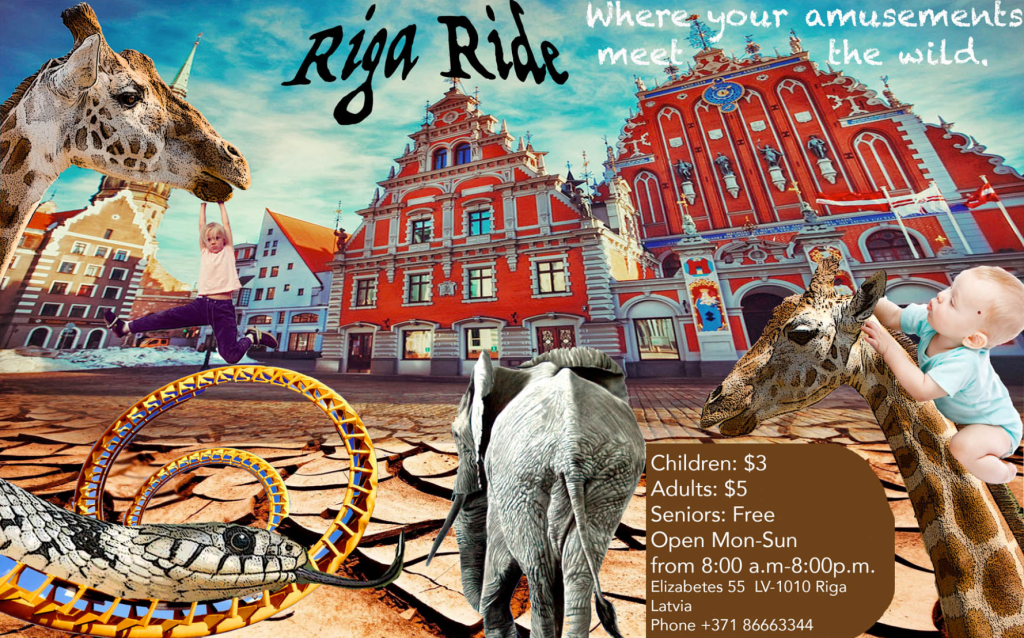
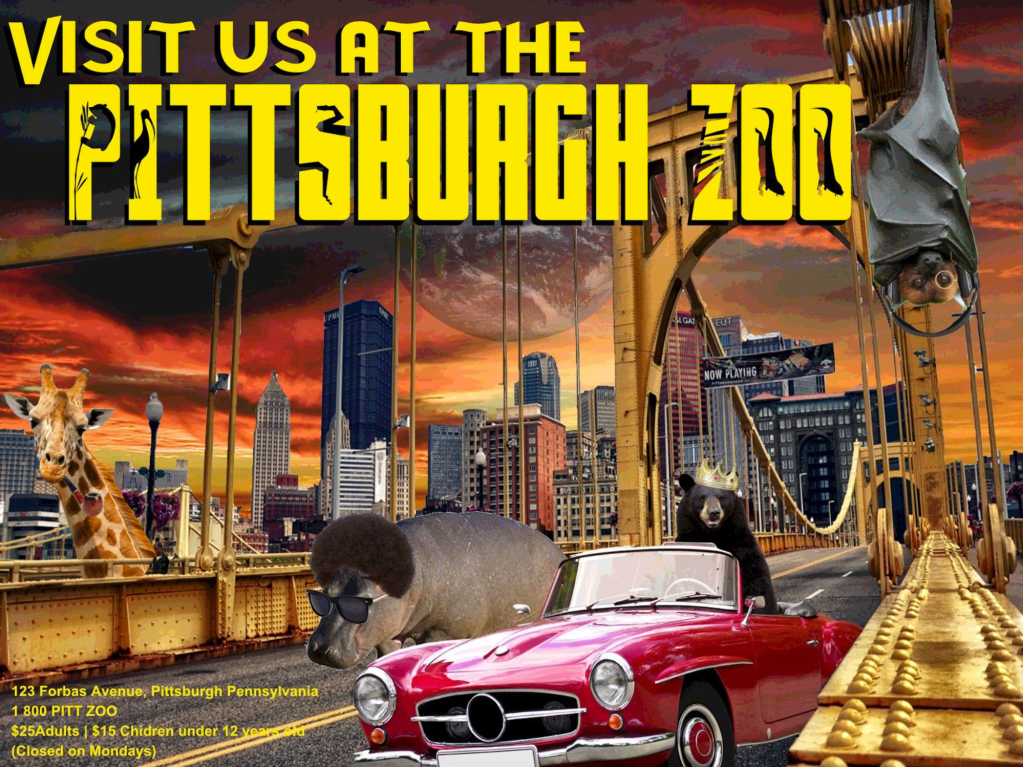
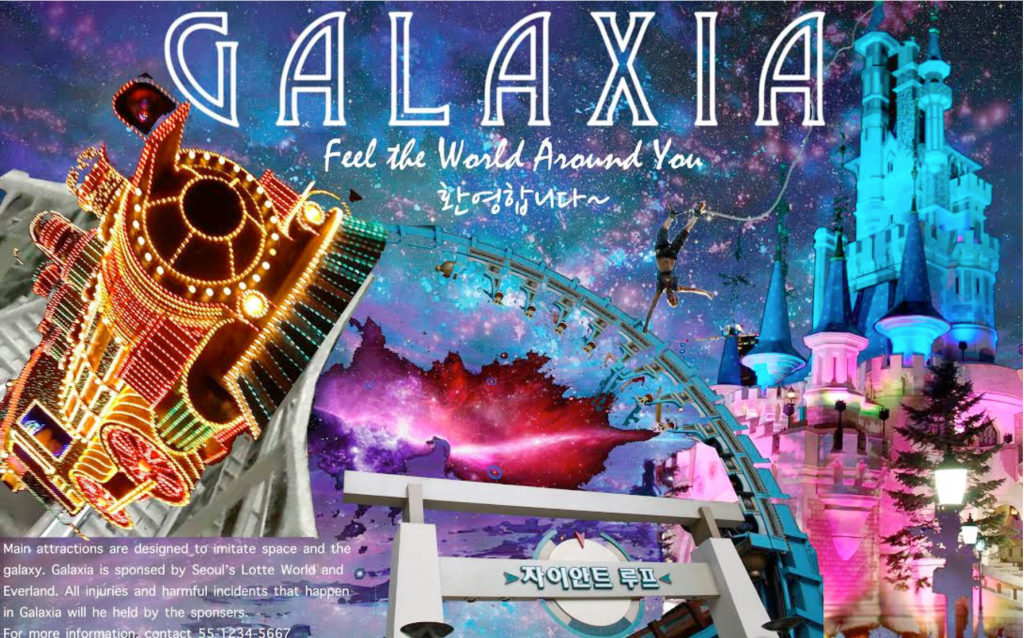
This is one of my favorite intro to Photoshop projects and offers an opportunity to teach all kinds of valuable things like typography (display fonts), layering, and royalty free images/copyright infringement. I have some simple perimeters: pick a city and using at least 6 layers and engaging typography, design a poster for an amusement park, zoo, water park, circus, or aquarium (or combination).
This project comes on the back of an important lesson on artistic composition (which is a different blog post). I also teach how to download fonts for this, which is very easy; just google “free fonts”.
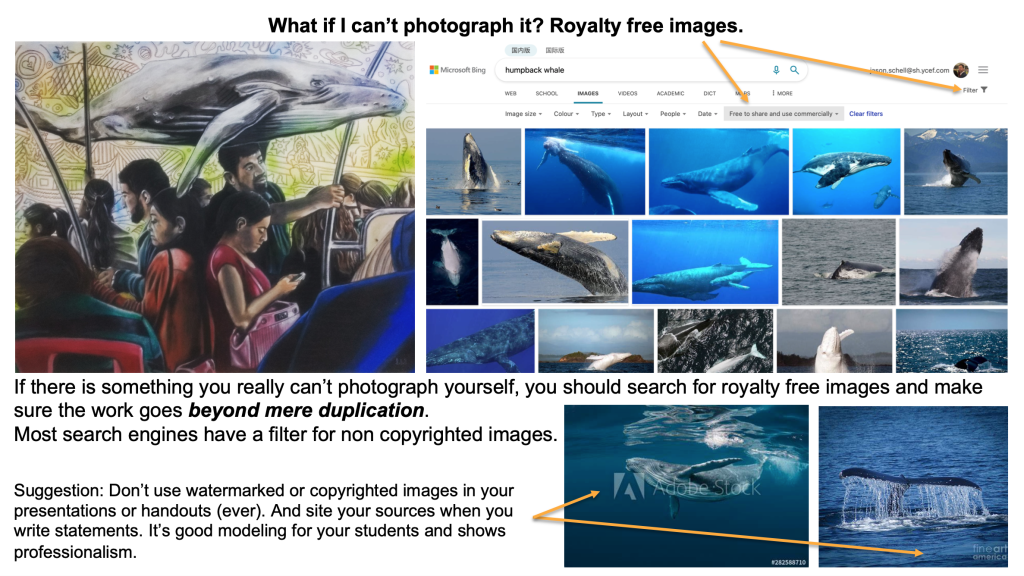
Perhaps the most important part of this project is teaching students about the ethical use of online imagery. Things like not using images with water marks, using search settings on google to look for royalty free images, and just using good judgement and learning how to let go of those images you really want to use but are inconveniently copyrighted. Admittedly, if you worked for a design firm, you’d probably have a subscription to a stock imagery source (like Getty or something). Anyway, I’ve included a PowerPoint slide that I have about that which is helpful, and maybe one day I’ll write a separate blog post about it because academic honesty is important.
Working with layers in Photoshop (or similar programs) is one major key to unlocking their artistic potential. Creating a composition that looks unified is the goal. Some basic tutorials on how to use layers in Photoshop are available on YouTube if you’re unsure. I often do this project with 9th graders so by the time they are taking classes like AP 2D Design in 11th or 12th grade, they’re already pros are Photoshop! Check out some of these great examples!
 Draw, Paint, Think